
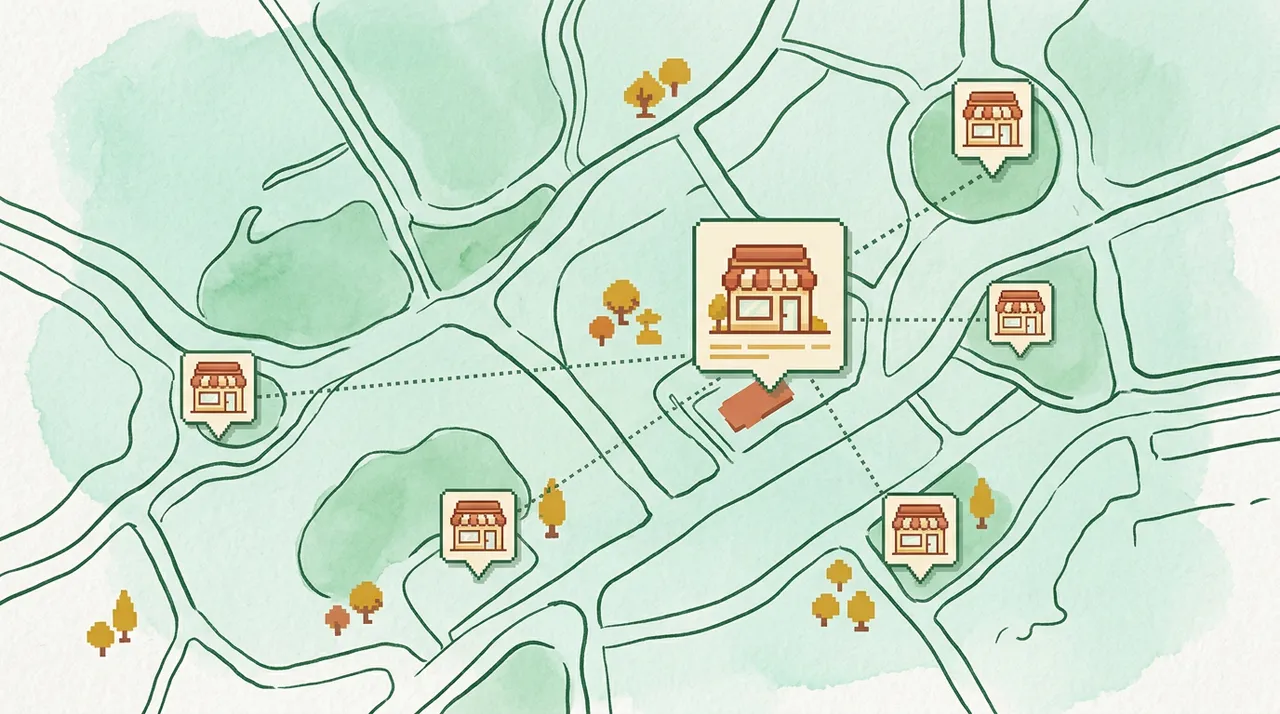
Short answer: Franchise local SEO software should standardize the basics, but it also needs location-level prioritization. The best system shows which locations are leaking visibility, trust, or conversions and gives the team a repeatable action plan.
If you are comparing tools, vendors, ads, or another local marketing expense, start with the buyer question: Can the team see which locations need work first, or does the platform only create a bigger spreadsheet?
Franchise and multi-location teams often have many profiles, inconsistent location data, uneven reviews, different local pages, and no simple way to see which locations need attention first. This checklist is built for that decision-stage moment. It helps a local business or agency decide what to inspect, what not to touch casually, and how to turn scattered local signals into a safer action plan.
In this guide
Why this matters now
Local visibility is not one metric. A business can have traffic but weak calls, reviews but poor coverage, rankings in one neighborhood but invisibility in another, or paid leads that hide a broken organic foundation.
That is why a BOFU local SEO decision should start with proof, not with a generic promise. Before you buy another platform, hire another vendor, or increase spend, check whether the current problem is profile health, local relevance, reviews, competitors, website support, tracking, or conversion path.
Start here: write down the business location, the service or product that matters most, the neighborhoods or cities that matter most, and the action you want from the customer: call, book, request, visit, or get directions.
The decision question
Can the team see which locations need work first, or does the platform only create a bigger spreadsheet?
A strong answer should identify:
- the local signal that proves the issue exists;
- the business impact if nothing changes;
- the first safe fix;
- the change that would be risky without review;
- how the team will know whether the fix helped.
Warning signs to check first
| Area | Warning sign | What to check first |
|---|---|---|
| Location data | Are names, addresses, phone numbers, hours, and categories consistent? | Standardize the fields that customers and platforms rely on. |
| Local variation | Can each location show real services, photos, and neighborhood proof? | Avoid making every profile look generic. |
| Review operations | Can the team spot locations with weak recency or unanswered reviews? | Review momentum often varies by location. |
| Visibility scoring | Does the software rank locations by attention needed? | Multi-location reporting must prioritize, not just aggregate. |
| Export/reporting | Can executives, operators, and agencies read the output? | Different stakeholders need different levels of detail. |
What not to do first
- Do not treat every location as the same problem.
- Do not standardize so aggressively that profiles lose local proof.
- Do not hide bad locations behind average performance.
- Do not publish bulk changes without location-level review.
- Do not buy a platform that cannot produce an action list by location.
These mistakes are common because they feel fast. But local SEO gets expensive when a team changes ads, tracking, profile fields, website pages, and review workflows at the same time. If results change, nobody knows which action helped or hurt.
The checklist
Use this as a practical review before making a budget or software decision.
1. Confirm the local business facts
Check the business name, address or service-area setup, phone, hours, appointment links, website links, primary category, important secondary categories, services, and location-specific details. If the facts are wrong or inconsistent, fix the foundation before evaluating advanced tactics.
2. Look at the profile like a customer
Ask whether a nearby customer can quickly understand what the business does, where it serves, why it is trustworthy, and how to take the next step. Photos, reviews, service descriptions, hours, booking links, and Q&A all contribute to that decision.
3. Compare the local winners
Pick the competitors that repeatedly appear above the business in the map pack or local results. Compare review count, review recency, rating, categories, services, photos, content support, proximity, and visible activity. The goal is not to copy competitors blindly; it is to understand the market standard.
4. Separate visibility from conversion
A business can be visible and still lose calls. It can also convert well but lack reach. Separate the diagnosis:
- Visibility problem: the business is not appearing where it should.
- Trust problem: the business appears but looks weaker than alternatives.
- Conversion problem: prospects see the business but do not call, book, or request.
- Measurement problem: the team cannot tell which channel produced the lead.
5. Rank fixes by impact and risk
| Priority | Decision | Why it matters |
|---|---|---|
| 1 | Baseline every location | You need a clean starting point before comparing stores, branches, or territories. |
| 2 | Find the outliers | The worst leaks are often hidden by portfolio averages. |
| 3 | Separate global vs local fixes | Some tasks are brand-wide; others require location-specific action. |
| 4 | Create a reporting rhythm | Operators need recurring visibility into priorities and progress. |
| 5 | Scale with approval | Bulk workflows should still protect risky fields and local accuracy. |
Example
A home-services franchise has 42 locations. The average rating looks fine, but eight locations have stale photos, unanswered reviews, inconsistent service categories, and weak city-page support. A useful software workflow surfaces those eight first and explains whether the fix is corporate data cleanup, local operator action, or website support.
The important point is sequence. The right fix is not always the flashiest channel or tool. It is the next action that removes the highest-confidence blocker with the least unnecessary risk.
How SEOG helps
SEOG is built for local visibility decisions where owners need the next action, not another vague dashboard. It helps teams:
- Supports multi-location-ready local visibility analysis.
- Compares profile, review, competitor, and website signals by location.
- Helps teams prioritize location-level fixes instead of drowning in dashboards.
- Creates shareable reports for owners, operators, and agency partners.
SEOG is not affiliated with Google and does not guarantee rankings. It organizes public local signals into a guided, human-reviewed workflow so the business can make safer decisions.
FAQ
Is franchise local SEO different from single-location SEO?
Yes. The signals are similar, but the workflow changes. Multi-location teams need standardization, outlier detection, reporting, and approval controls.
Should every franchise location use identical profile content?
No. Standardize accuracy and brand rules, but preserve location-specific services, photos, reviews, and local proof.
What should franchise software show first?
It should show which locations need attention, why they need it, and what action should happen next.
Next step
Before you buy another tool, increase ad spend, or ask the team to “do more SEO,” run a local visibility analysis and turn the result into a short priority list. The best next move should be specific enough that an owner, marketer, or agency can explain why it matters and what will be checked after it is done.
Related SEOG guides
- Google Business Profile Posts Checklist: What to Publish Before You Give Up on Updates
- Google Business Profile Q&A Checklist: What to Answer Before Customers Ask a Competitor
- Multi-Location Local SEO Audit Checklist: What to Standardize Before You Scale
- Local SEO Client Onboarding Checklist: What Agencies Should Audit in the First Week